Paid Media Connectors
Introduction
Marketing Intelligence provides third-party API connectors that help you bring data from ad networks, analytics tools, and social media platforms into a unified view. By connecting these sources, you can analyze performance across channels and see how fields are mapped.
In this workshop, you’ll add simulated paid media connectors that mimic how advertising data flows into Marketing Intelligence, without requiring access to live ad accounts. This allows you to review and demonstrate the full product experience, including realistic channel performance data, within your SDO environment.
Add Trusted URLs
You’ll need to add the relevant external domains to your Trusted URLs list to simulate paid media connector integration.
- Click on the icon and click the first Setup menu item.
- In the Quick Find field, enter
Trusted URLs, then select Trusted URLs from the Security menu. - Click New Trusted URL.
- Enter
NTO_Imagesin the API Name field. - Enter
*.northerntrailoutfitters.comin the URL field. - Click Save & New.
- Enter
Meta_Imagesin the API Name field. - Enter
*.githubusercontent.comin the URL field - Click Save.
Create Media Connectors
- In the Quick Find field, enter
Other Connectors, then select Other Connectors from the External Integrations menu. - Click New.
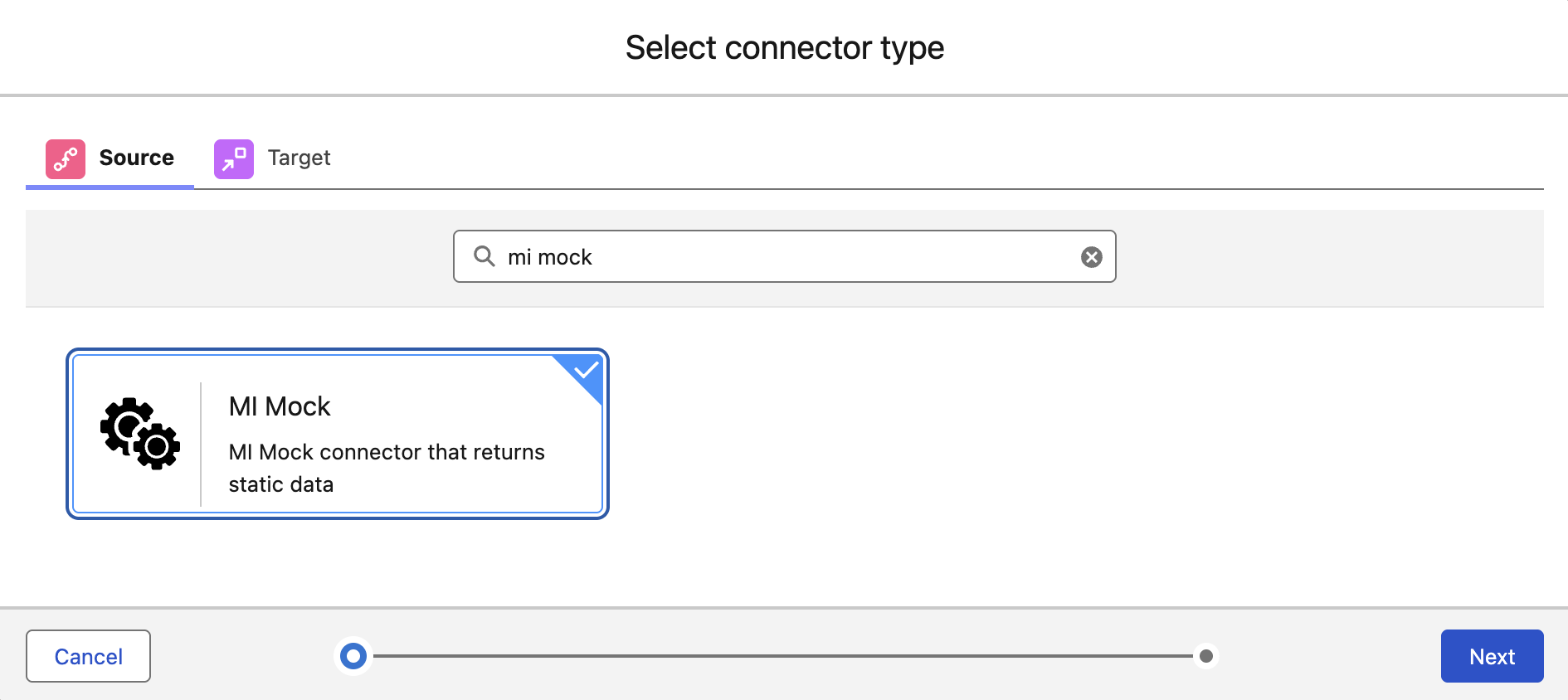
- Enter
MI Mockin the Search connectors field. - Select the MI Mock tile, then click Next.
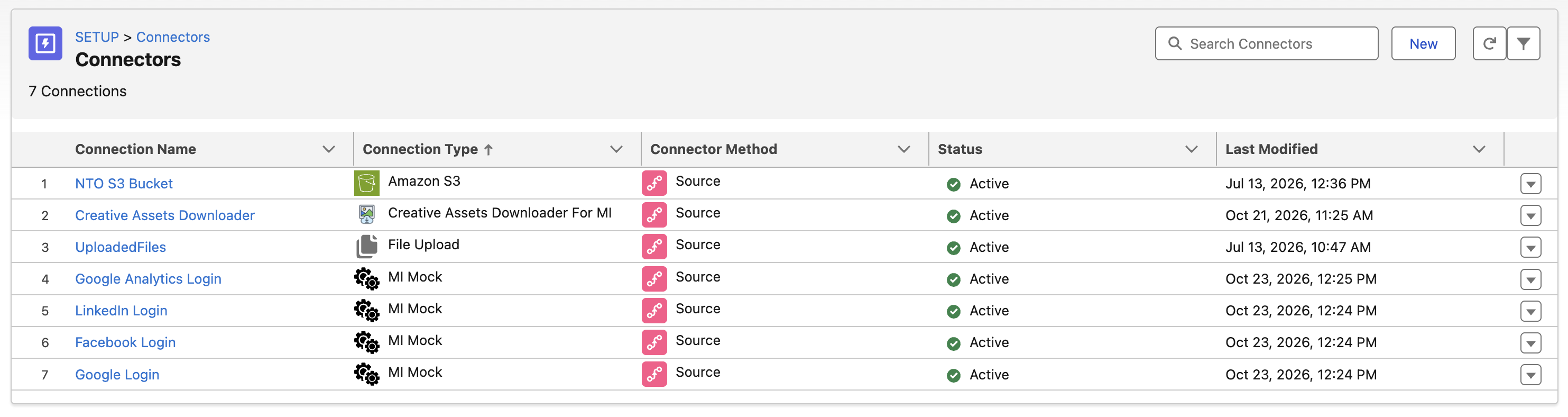
- Enter
Google Loginin the Connection Name field, then click Save. - Repeat steps 3-5 for the following connection names:
Facebook LoginLinkedIn LoginGoogle Analytics Login
Create Delivery Data Pipelines
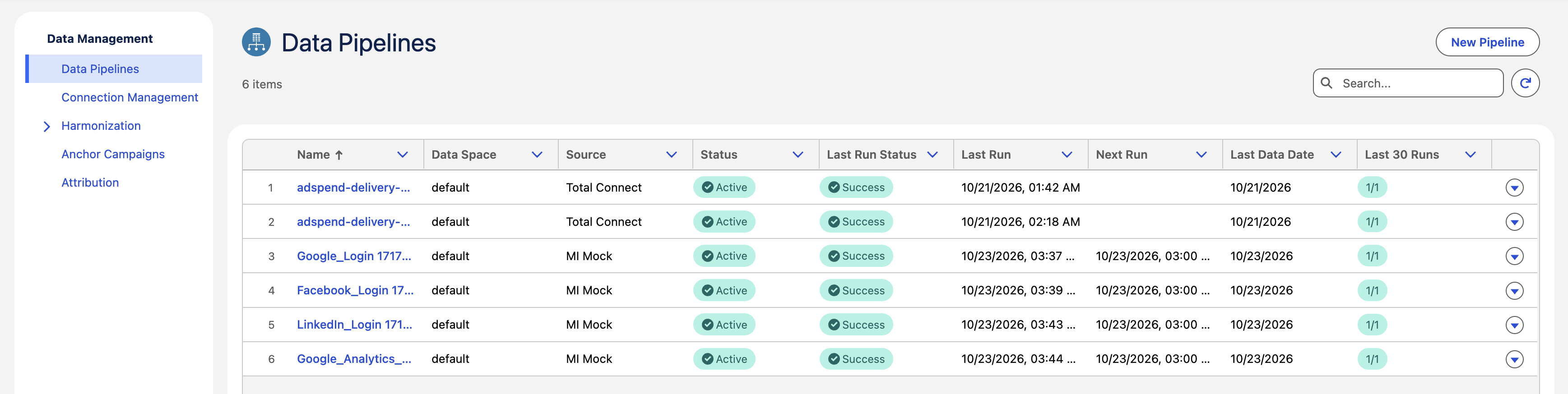
In this exercise, you will create a new data pipeline to track delivery engagements.
- Search and select
Marketing Intelligencefrom App Launcher. - Click the Data Management tab.
- Click New Pipeline.
- Click the MI Connect tile, then click Next.
- Select Google Ads from the Connector menu.
- Select Google Login from the Connection menu.
- Click Deploy.
- Repeat steps 3-7 for the following connectors:
| Connector | Connection |
|---|---|
| Facebook Ads | Facebook Login |
| LinkedIn Ads | LinkedIn Login |
| Google Analytics | Google Analytics Login |
- Click the
refresh icon to update the page.
Processing Data Pipelines
Data pipelines can take up to 30 minutes to complete processing.
View Insights
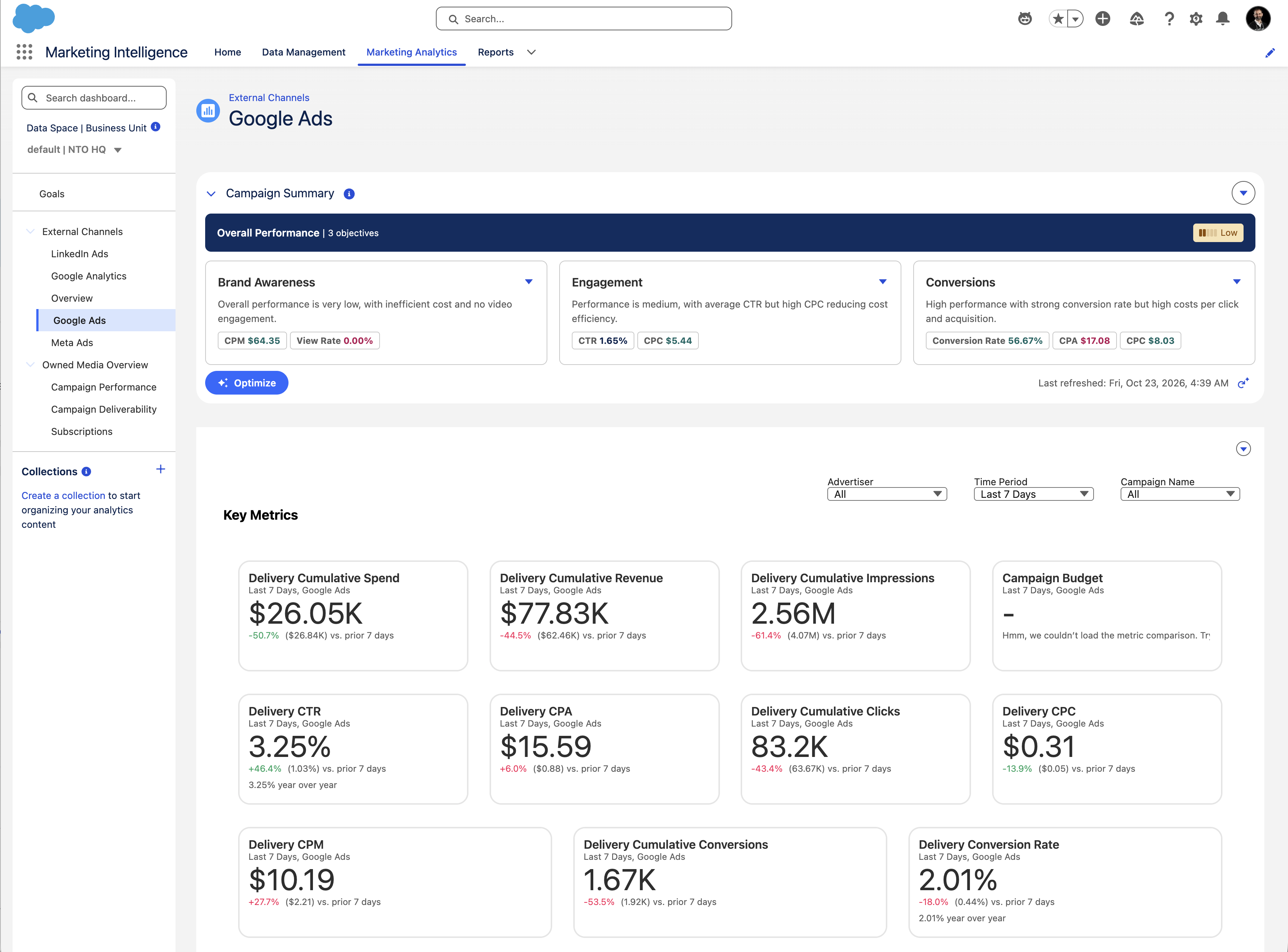
- Once your data pipelines have finished processing, click the Marketing Analtyics tab in Marketing Intelligence.
- Select a paid-media connector from the navigation pane to view simulated campaign performance from advertising providers.